
Filler inventory
Filler inventory, one syringe at a time.
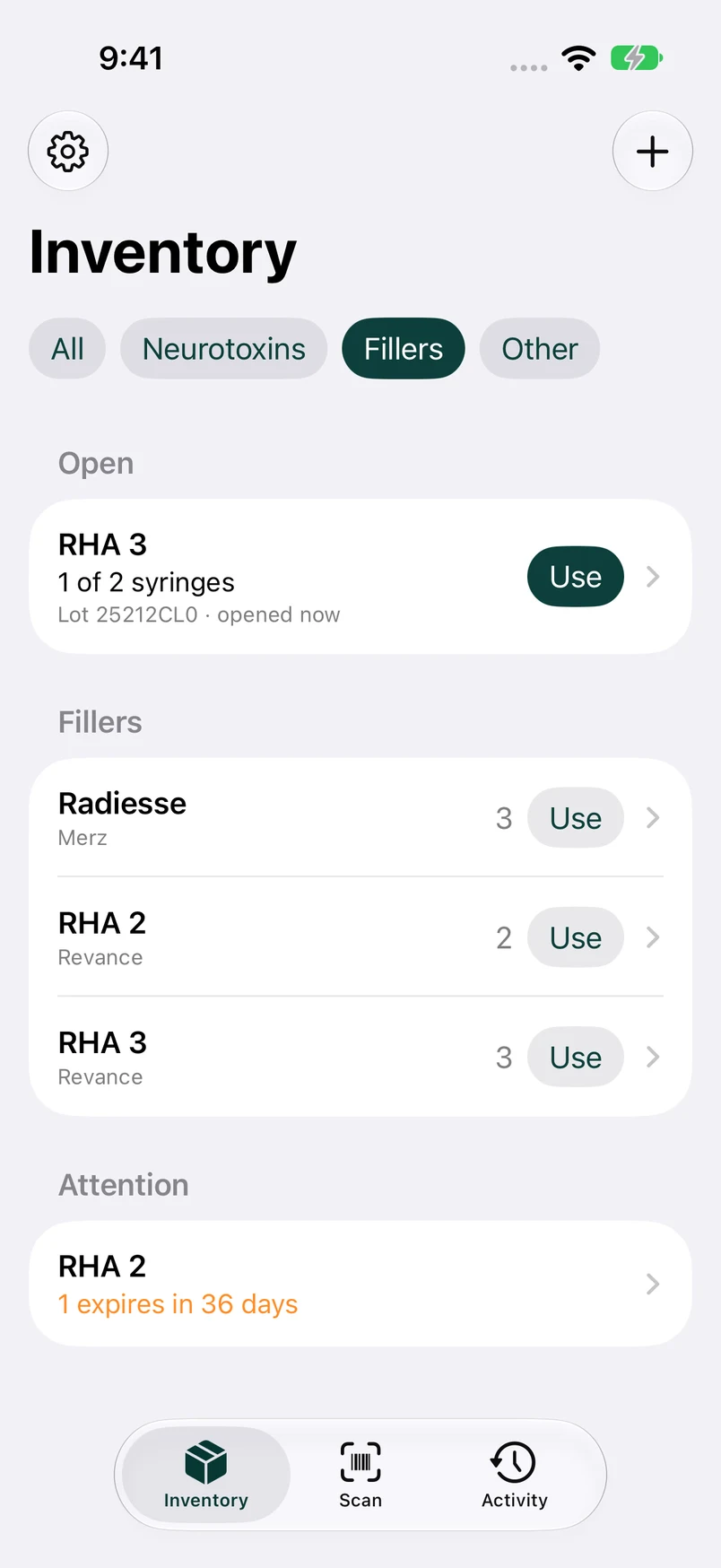
Many filler boxes hold two syringes. Rastro tracks each box as one package with its lot and expiration date, and counts its syringes down as you use them.
Get early accessComing soon to iPhone. Explore a preview below.
How it works
Scan the box
Rastro reads GS1 and HIBCC barcodes, including Radiesse's, and fills in the product, lot, expiration, and serial number.
Use a syringe
Tap Use on the product. Rastro takes the syringe from an open box first, then from the box that expires soonest.
Or scan to use
Prefer scanning? In Use mode, scan a box or a syringe from it, and it's recorded against that exact package.
What Rastro keeps track of
No box counted twice
Scanning a box whose serial number is already in inventory warns you instead of adding it again.
Expiration in view
Packages expiring within 60 days, and any already expired, are listed where you'll see them. The window is a setting.
Boxes move between practices
Move a box to another location with the syringes it has left. Usage only draws on stock where you are.
Every box has a history
Received, opened, used, moved, adjusted. Each package keeps its full trail, and nothing is ever erased.
Questions
Which fillers does Rastro recognize?
The catalog is built from the FDA's device database (GUDID) and includes Juvéderm, Restylane, RHA, Radiesse, Belotero, Sculptra, and more. A product that isn't in the catalog can be named once, and Rastro remembers its barcode.
How does Rastro handle boxes with two syringes?
A box is one package with a quantity of two. Using a syringe leaves the box open with one remaining, and Rastro uses that one before starting a new box.
Can I record a syringe as wasted or damaged?
Yes. From the package's detail screen, choose a reason (waste, damaged, count correction, or other) and the amount. It's recorded as an adjustment, with Undo.