
Barcode scanning
Scan injectables in instead of typing them.
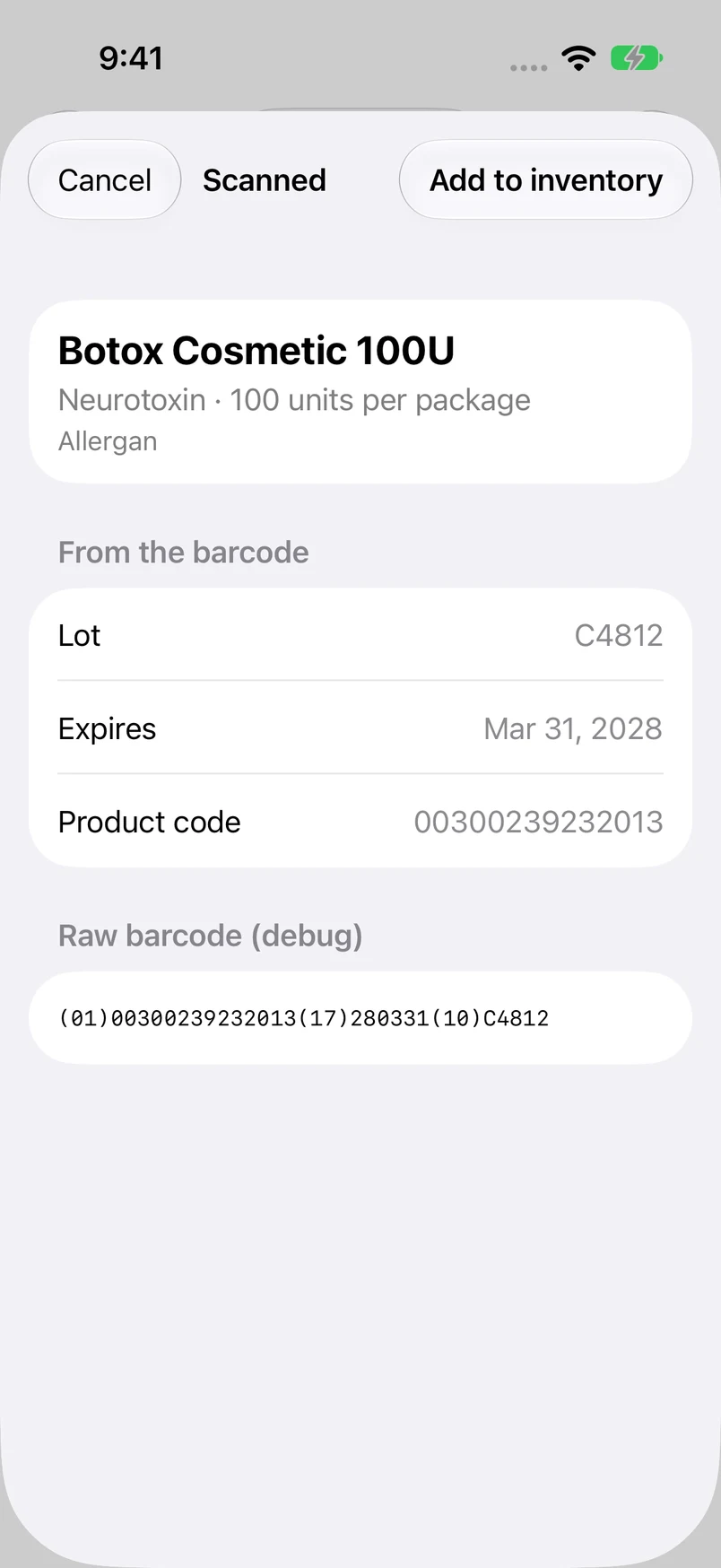
The barcode on an injectable box already holds most of what you'd type: the product, lot, expiration date, and often a serial number. Rastro reads it with your iPhone's camera and fills everything in.
Get early accessComing soon to iPhone. Explore a preview below.
How it works
Point the camera
Rastro reads the barcode in any orientation, straight from the box.
Product looked up on the device
Rastro matches the barcode against its built-in catalog of toxins and fillers, built from FDA data. No internet connection needed.
Asked only what's missing
If a product isn't in the catalog, name it once. Rastro remembers that barcode from then on.
Made for unpacking a delivery
Keep scanning
In rapid receive, each box is added the moment it's scanned, with a haptic tap. The scanner stays open for the next one.
Decisions wait until the end
Anything that needs you, like an unfamiliar product, is set aside and resolved from the summary, so scanning doesn't stop.
Duplicates caught
A serial number already in inventory is skipped with a warning, so a box can't be added twice.
Works with barcode readers
USB and Bluetooth barcode readers that type into a text field work too.
Questions
Which barcode formats does Rastro read?
GS1 DataMatrix, GS1-128, and HIBCC, including HIBCC labels that combine product, lot, and expiration in one barcode. HIBCC labels that print the lot and expiration as a separate barcode aren't supported yet.
Do I need an internet connection to scan?
No. The product catalog is stored on your iPhone, so scanning works anywhere.
Does Rastro save photos of the packaging?
No. The camera is used only to read barcodes. Images aren't saved or sent anywhere.