
Spreadsheet alternative
Still tracking injectables in a spreadsheet?
Spreadsheets are free and flexible, and most practices start there. They also depend on someone typing every lot number and updating the count after every treatment. Rastro keeps the same records with far less typing.
Get early accessComing soon to iPhone. Explore a preview below.
Moving over
Scan what's on hand
Scan the boxes on your shelf in one pass. Each is added with its lot and expiration as it's scanned.
Record as you go
Log units or a syringe after each treatment in a couple of taps, instead of finding the right row later.
Keep your spreadsheet if you like
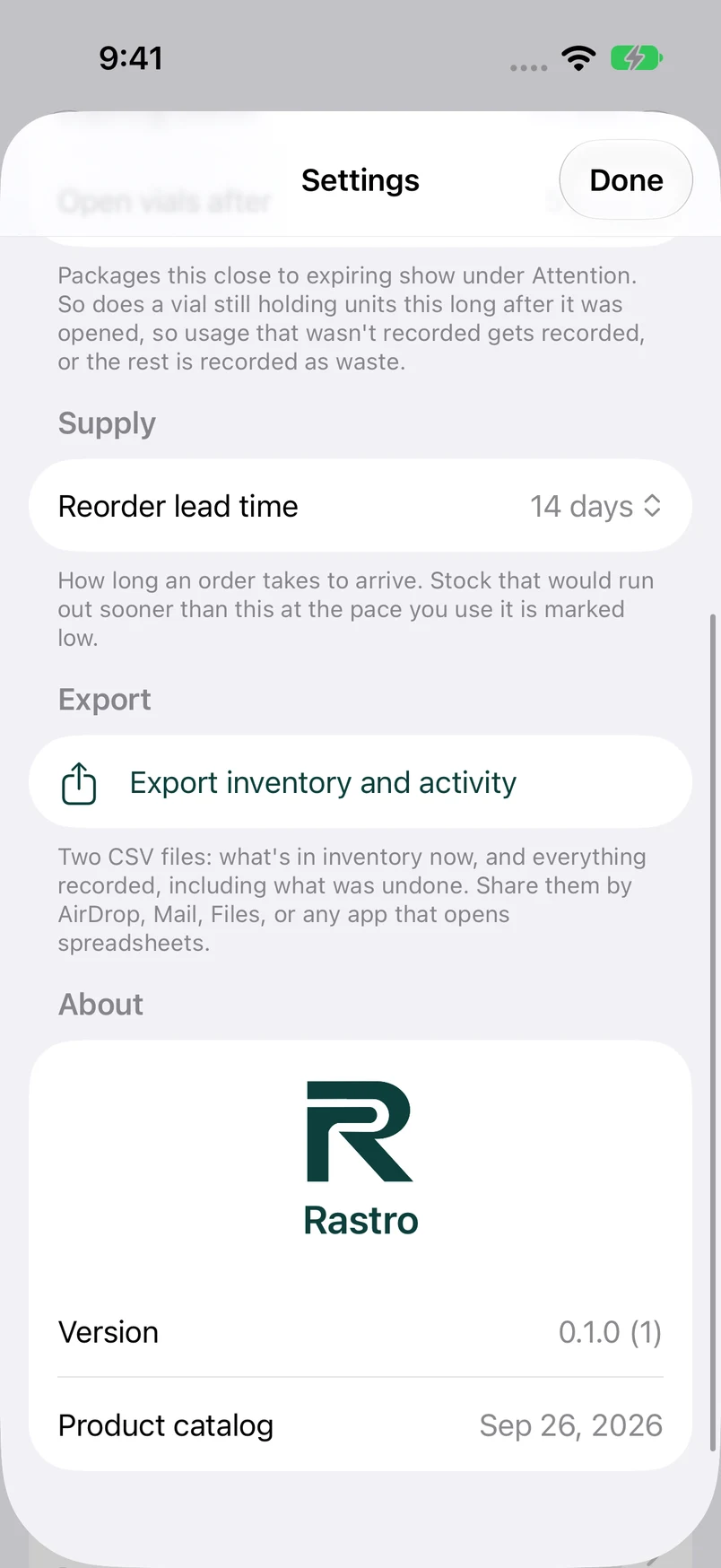
Export inventory and activity to CSV anytime and open them in the spreadsheet app you already use.
Spreadsheet vs. Rastro
| Spreadsheet | Rastro | |
|---|---|---|
| Adding a delivery | Type product, lot, and expiration for each box | Scan each box |
| Recording usage | Find the row and edit the count | Tap Use and enter units |
| Open vials | Extra columns to keep up to date | Each open vial has its own row |
| When to reorder | Formulas you build and maintain | Days of supply from your own pace |
| Fixing a mistake | The old value is overwritten | Undo, with the full history kept |
| Expiring stock | Sort and check by hand | Flagged within 60 days |
What you keep
Your data stays yours
Everything is stored on your iPhone and exports to CSV. There's no account to close and nothing locked in.
Works offline
No signal in the treatment room doesn't matter. Every feature works without a connection.
Questions
Can I import my existing spreadsheet?
Not today. The quickest way to start is to scan the boxes you have on hand, which records their lots and expiration dates as you go.
Can I get my data back into a spreadsheet?
Yes. Settings exports two CSV files, inventory and activity, that open in Excel, Numbers, or Google Sheets.
Is Rastro free?
Rastro will be free on the App Store, with no account and no subscription.